
Tidy Up History - Free PC Download
【Restore Your Museum】
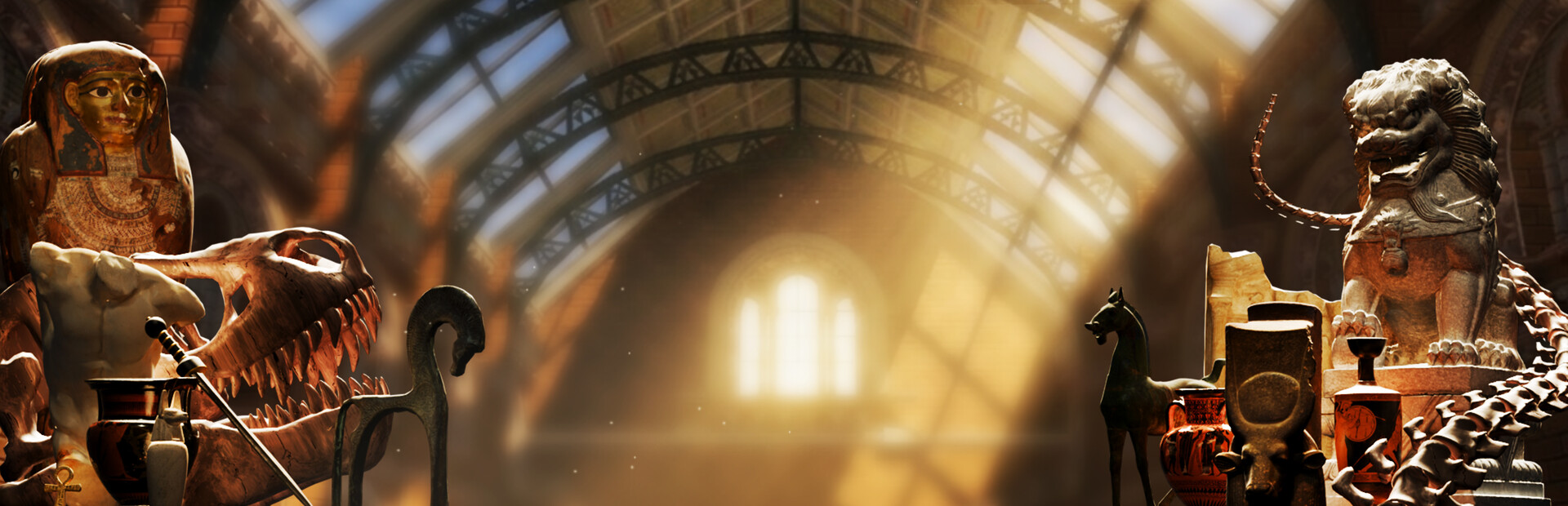
You’ve inherited a once-renowned museum that's now covered in dust and filled with misplaced artifacts. Can you bring it back to life?

【What You'll Do】
Clean and Restore
Remove dirt, clutter, and damage from exhibit halls.
Bring neglected rooms back to their former glory.
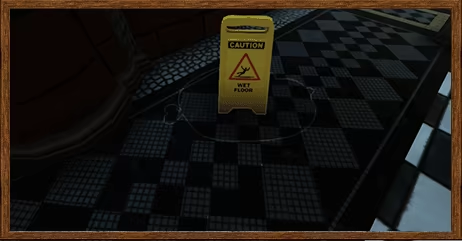
Organize Hundreds of Items
Find the rightful place for artifacts, fossils and museum pieces.
Turn chaotic collections into beautiful exhibits.
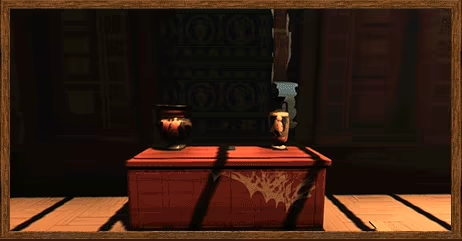
Learn and Unlock new areas
Learn about mysterious objects and determine where they belong.
Find keys to access locked exhibit rooms.
Assemble Dinosaur Skeletons
Collect fossils and piece together impressive prehistoric displays.
Complete skeletons part by part.
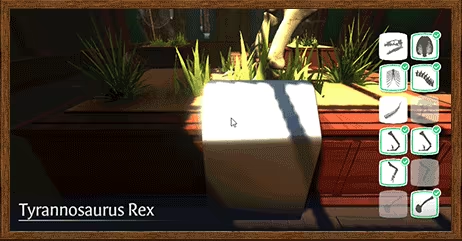
Level Up Your Skills
Earn XP as you restore the museum.
Unlock new abilities that help you repair increasingly complex exhibits.
【Prepare for the Grand Opening】
Every room cleaned, artifact identified, and exhibit restored brings the museum one step closer to completion.
Can you transform your unexpected inheritance into the museum of your dreams?
This text comes straight from the game's store page and is pulled in automatically. We don't write or edit it, so it may contain spoilers.
System Requirements
- Min
- Windows 10
- Rec
- -
- Min
- Intel i5-2500 3.3GHz
- Rec
- -
- Min
- 16 GB RAM
- Rec
- -
- Min
- NVidia GeForce GTX 1050
- Rec
- -
- Min
- Version 11
- Rec
- -
- Min
- 2 GB available space
- Rec
- -
These are the developer's listed requirements and may not be 100% accurate. If your specs fall below the minimum, try the game anyway; many games run fine below the listed requirements. When in doubt, check YouTube for performance benchmarks.
Download
Download the files from any mirror below. All parts are needed. Save them to the same folder, then extract the first one.
We don't accept fix requests when only one host is down. Please use another mirror above. Links broken? Let us know.
We never password-protect files or hide installers. If a page asks for a password or payment, that is the host's ad, not us. See our safety guide.