LifeSimOS - Free PC Download
About LifeSimOS
LifeSimOS is a story-rich coming-of-age experience set in 2004, where your world unfolds through a cluttered desktop filled with Messenger chats, IRC conversations, email, music, and late-night choices. Build friendships, navigate messy relationships, explore strange corners of the early internet, and shape your path through a branching story with multiple endings.

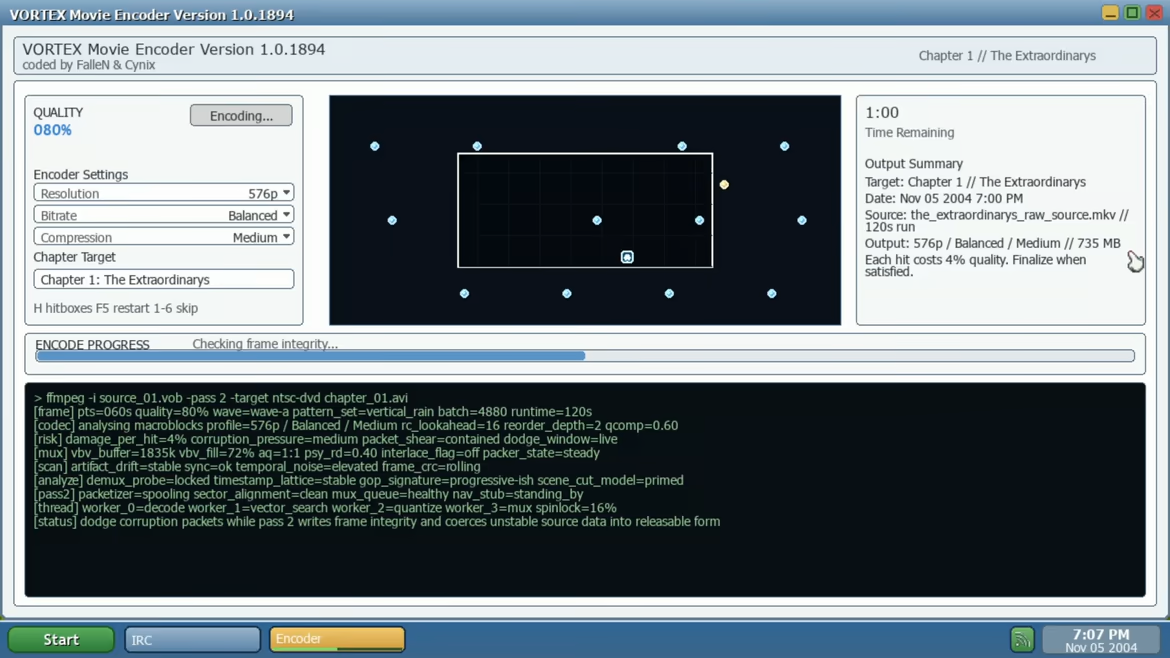
Build your online persona by choosing a handle, a real or made-up first name, and the pirate group you’ll run with on IRC. As the team’s encoder, you’re not just along for the ride, you’re the one helping package and push releases into the digital underground.
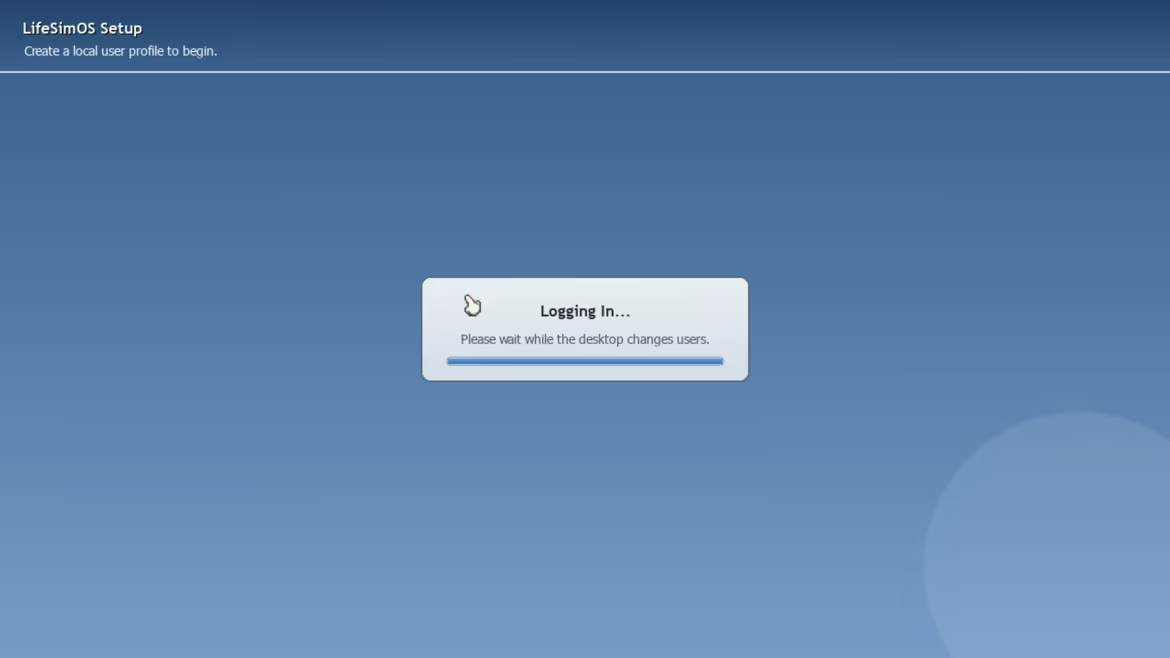

Every conversation gives you multiple ways to respond, whether positive, neutral, or negative, and each choice directly shapes how others see you.
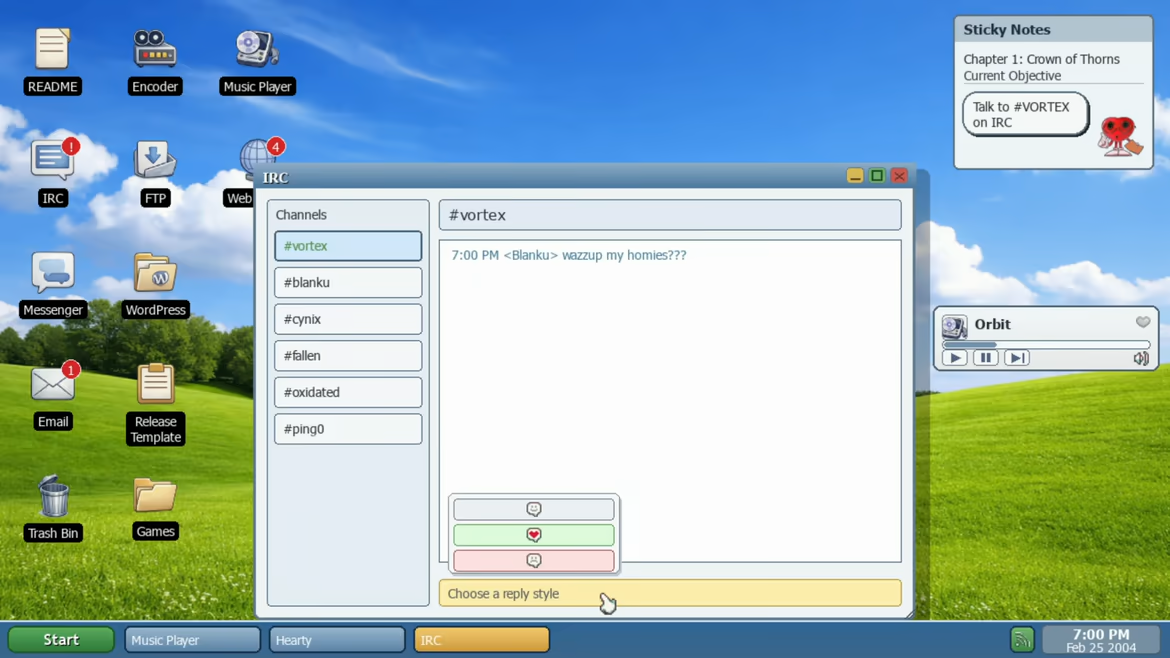

Meet Hearty, your lovable desktop companion, here to answer questions and help guide you through the world of LifeSimOS.
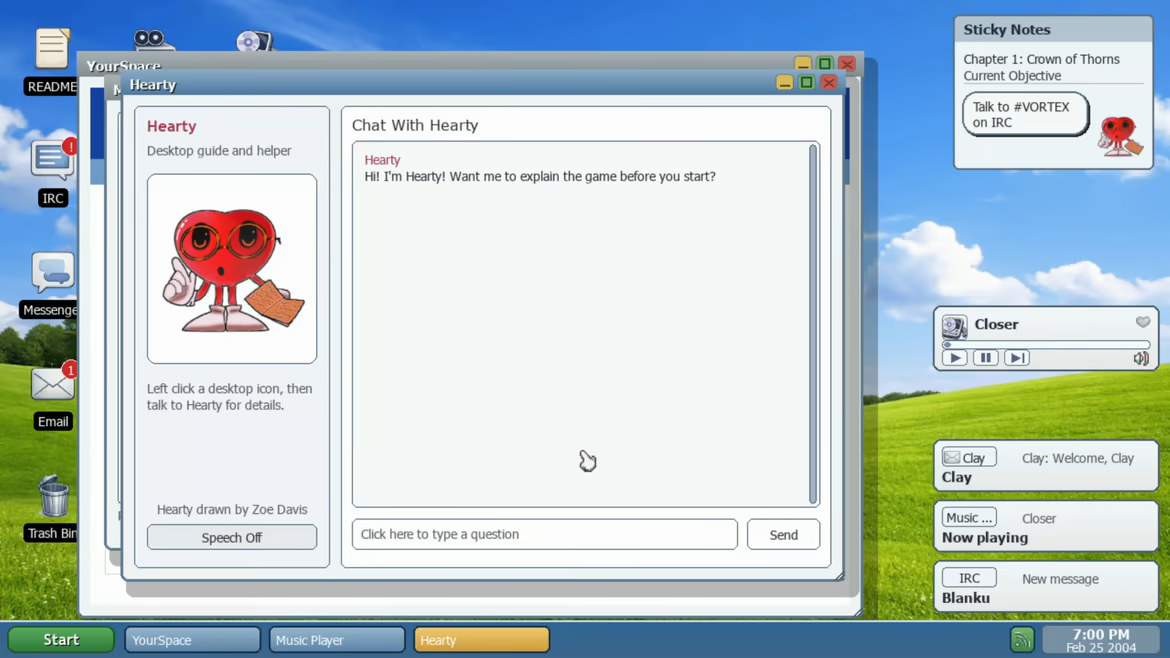

Step into a cluttered 2004 desktop packed with Messenger chats, IRC, email, music, weird websites, and late-night choices.
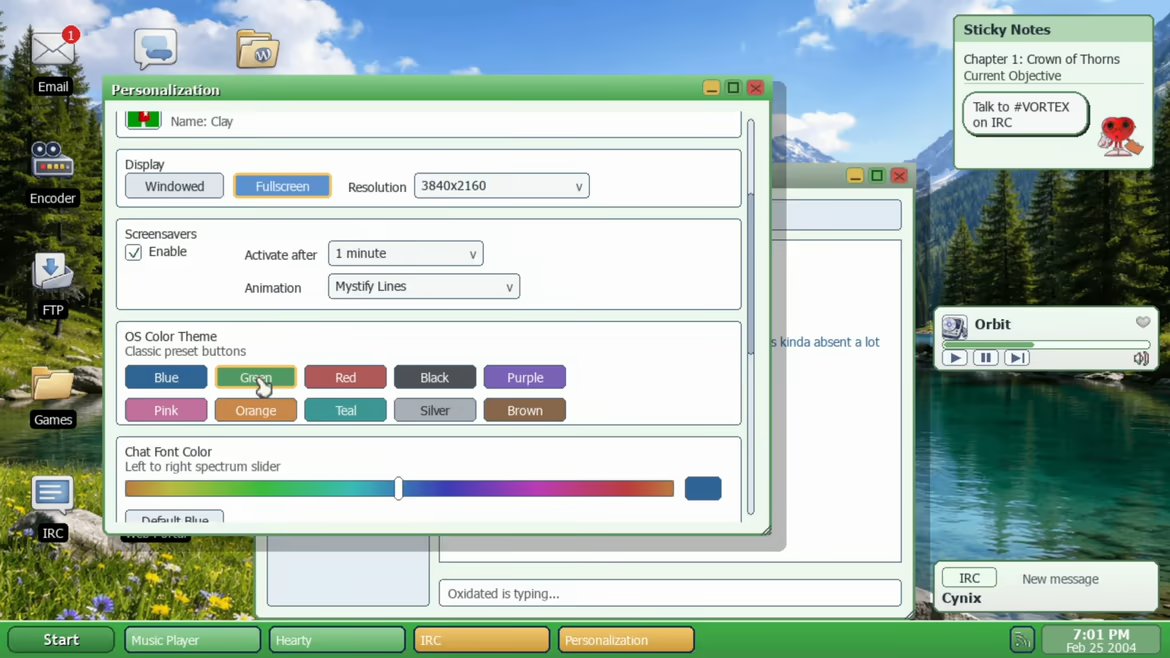

The desktop is loaded with side content, surprises, and interactive apps that make the computer feel like a world of its own.
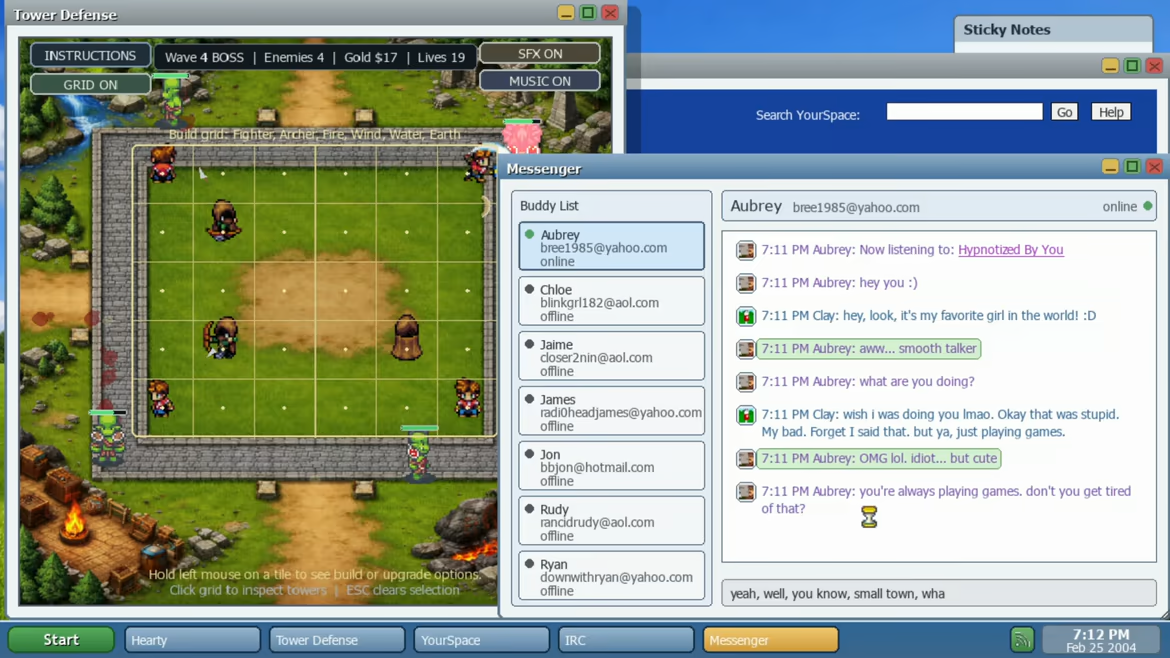

Get distracted by playable bonus apps and retro-inspired games woven right into the system.
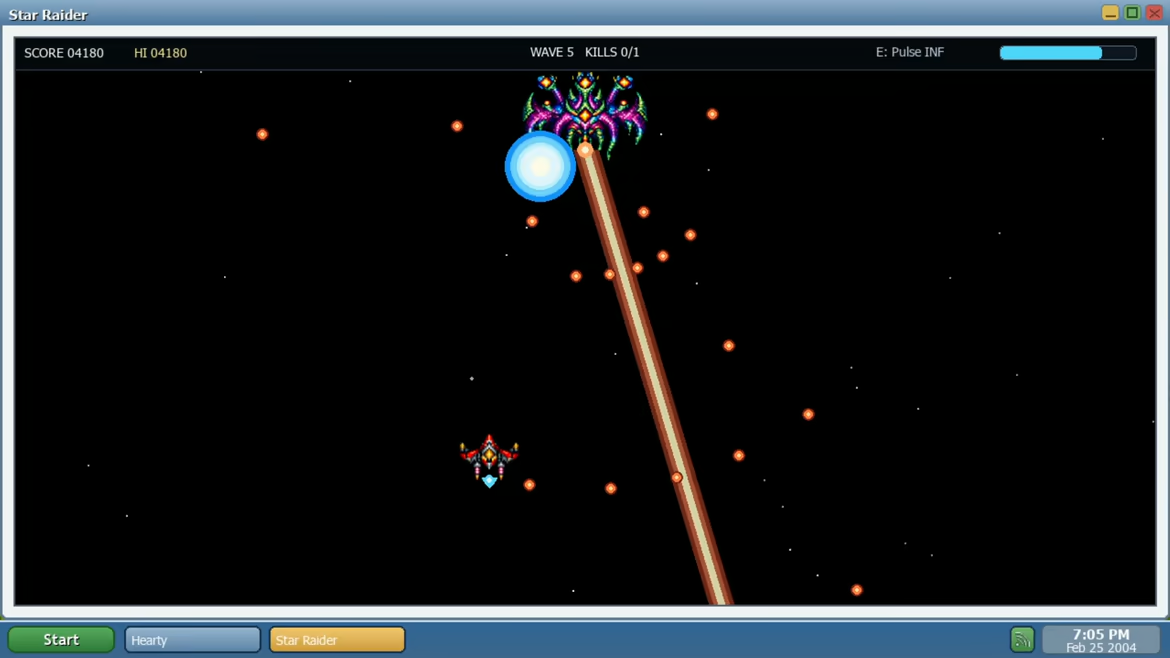

Cards, side activities, and random digital distractions give the desktop that late-night, just-one-more-click feeling.
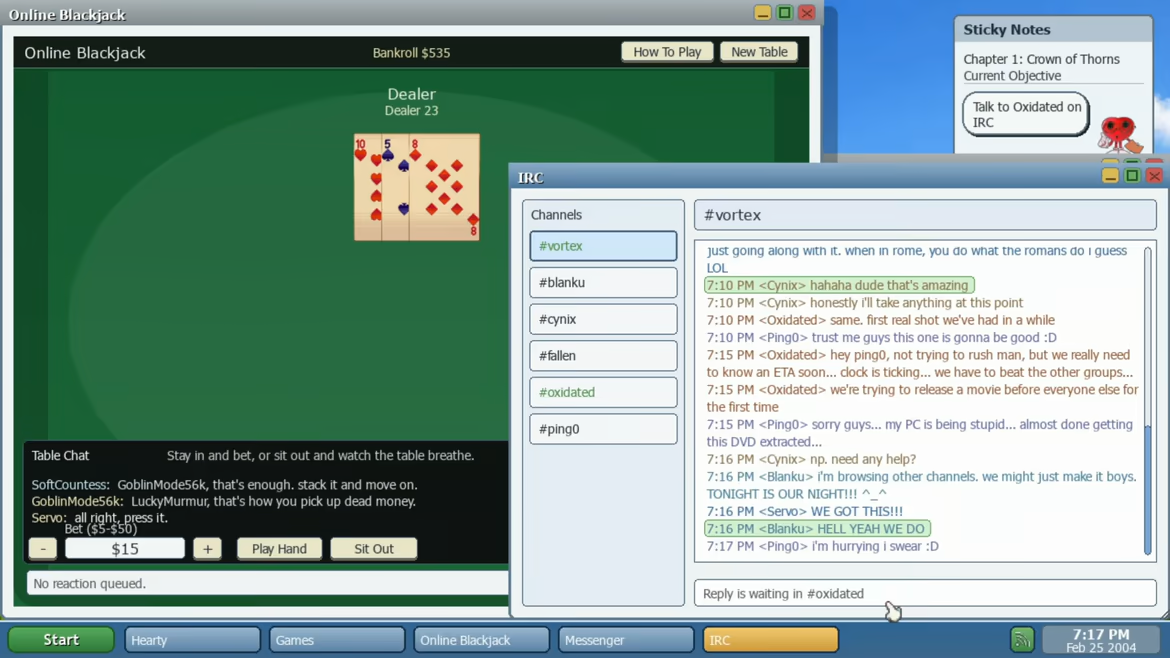

Discover songs and interact with music as part of the desktop experience, not just a background feature.
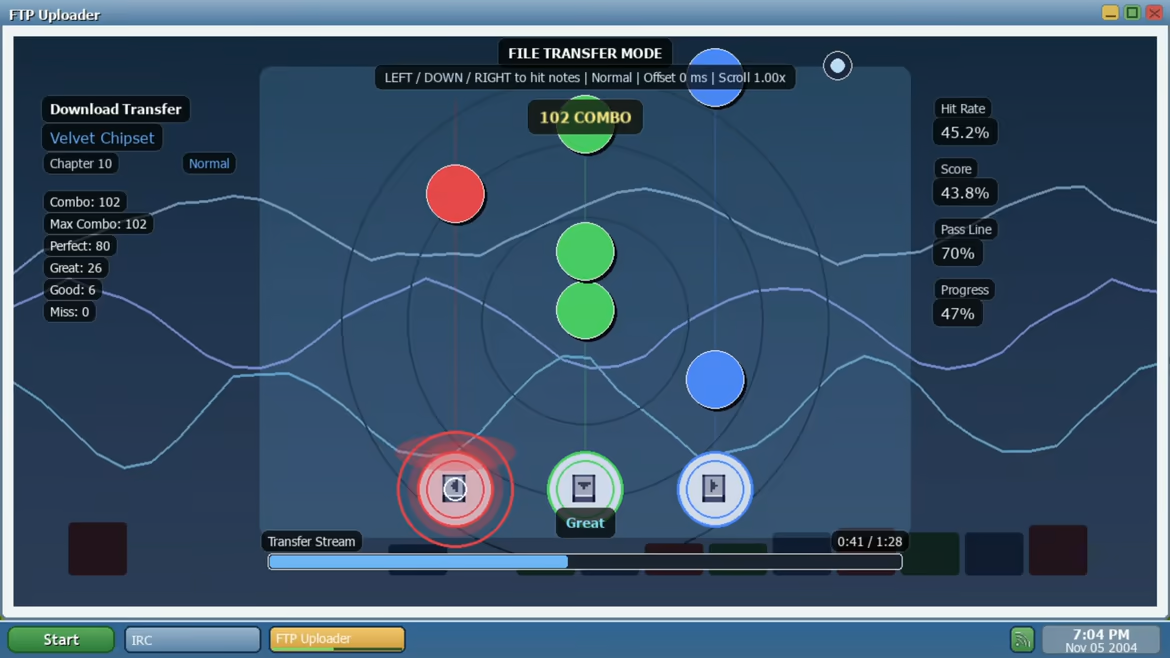

Dive into strange apps and story-driven distractions that capture the messy, weird energy of the early internet.
Features
Explore a fully interactive retro desktop inspired by the early 2000s
Shape a branching story through conversations, choices, and relationships
Reach multiple chapters and endings based on how you play
Chat through Messenger, IRC, and email while uncovering drama, secrets, and surprises
Browse weird websites, manage releases, and dig through interactive apps across a cluttered digital world
Play mini-games and side activities woven directly into the story
Unlock music and discover new songs through an in-game player tied to your friends and conversations
Immerse yourself in a nostalgic 2004 atmosphere filled with retro-inspired UI and online culture
LifeSimOS blends interactive fiction, retro internet nostalgia, and desktop roleplay into a deeply personal coming-of-age story where every message, every choice, and every click can shape your future.
Personalize Your Desktop
Personalize your desktop with custom content support built right in. Drop your own files into the included music, wallpaper, and profile_pictures folders, and they’ll show up in-game.
Load your own songs into the music player, set custom wallpapers for your desktop, and use your own profile pictures for logins and chat. It’s a simple way to make LifeSimOS feel even more like your own space.
This text comes straight from the game's store page and is pulled in automatically. We don't write or edit it, so it may contain spoilers.
System requirements
- Min
- Windows 10 64-bit
- Rec
- Windows 10 or Windows 11 64-bit
- Min
- Intel Core i3 2.4 GHz or AMD equivalent
- Rec
- Intel Core i5 or Ryzen 5
- Min
- 4 GB RAM
- Rec
- 8 GB RAM
- Min
- Integrated graphics with hardware acceleration, 1280x720 support
- Rec
- Dedicated GPU or strong integrated graphics, 1920x1080 support
- Min
- Version 11
- Rec
- -
- Min
- 15 GB available space
- Rec
- 20 GB available space
- Min
- DirectX-compatible sound device
- Rec
- DirectX-compatible sound device
These are the developer's listed requirements and may not be 100% accurate. If your specs fall below the minimum, try the game anyway; many games run fine below the listed requirements. When in doubt, check YouTube for performance benchmarks.
Download
Download the files from any mirror below. All parts are needed. Save them to the same folder, then extract the first one.
We don't accept fix requests when only one host is down. Please use another mirror above. Links broken? Let us know.
We never password-protect files or hide installers. If a page asks for a password or payment, that is the host's ad, not us. See our safety guide.