Baby Steps - Free PC Download
Play as Nate, an unemployed failson with nothing going for him, until one day he discovers a power he never knew he had… putting one foot in front of the other.
Explore a world shrouded in mist, one step at a time. Hike the serene mountains by placing each footstep yourself, in original physics-based gameplay from the minds behind Ape Out and Getting Over It. Take in the sights, fall in love with the local fauna, and try to find meaning in a wasted life.
Get ready to fall for Nate, in Baby Steps, a literal walking simulator.
👟 Fully-simulated physics based walking.

⛰️ A lengthy trek up a mountain-sized mountain that you can explore at your own pace, or slower.
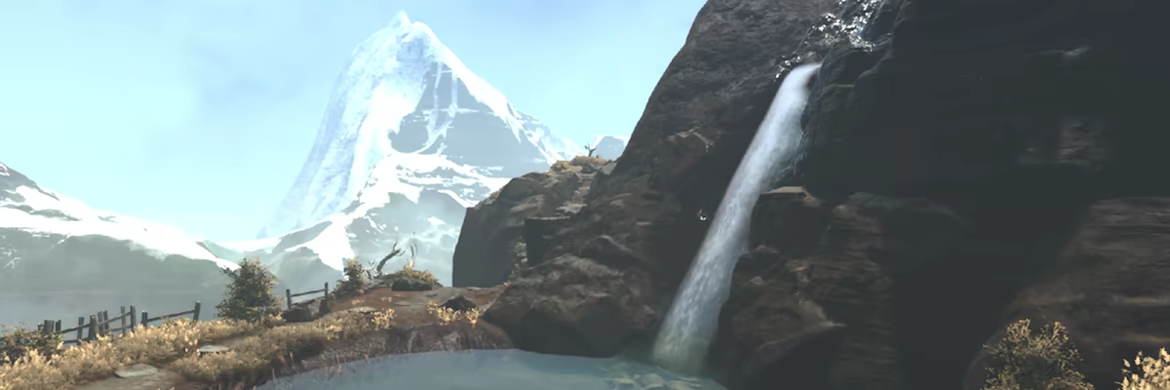
😫 Fully dynamic onesie soilage system.

🎶A world that seems to come alive with a dynamic soundtrack built up out of 420 beats and vibes.
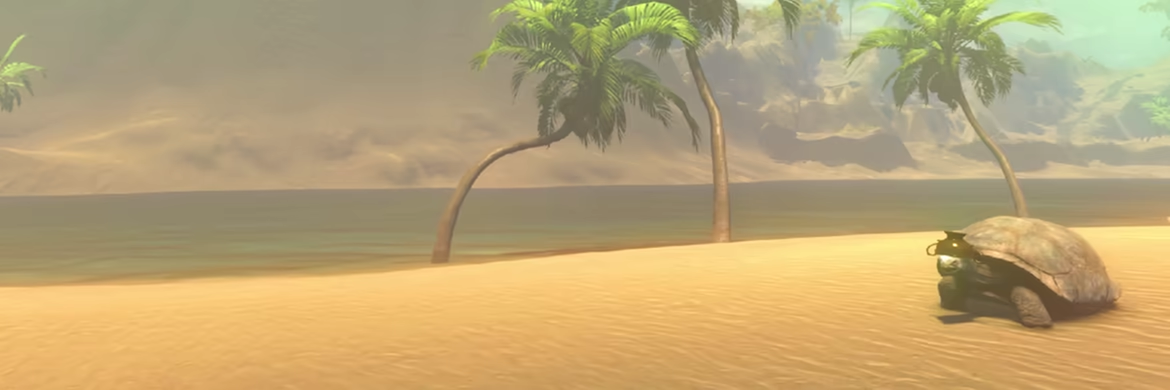
🤠 Non-collectible hats.

This text comes straight from the game's store page and is pulled in automatically. We don't write or edit it, so it may contain spoilers.
System Requirements
- Min
- Windows 10 x64 Bit
- Rec
- Windows 11 x64 Bit
- Min
- Intel Core i7-7700K / AMD Ryzen 5 1500X
- Rec
- Intel Core i7-10700 / AMD Ryzen 7 2700X
- Min
- 8 GB RAM
- Rec
- 16 GB RAM
- Min
- GeForce GTX 1650 / Radeon RX 570 / Arc A380
- Rec
- GeForce RTX 2060 Super / Radeon RX 5700 / Arc A580
- Min
- Version 11
- Rec
- -
- Min
- 19 GB available space
- Rec
- 19 GB available space
- Min
- Low Quality setting, in 1080p, producing 60 FPS
- Rec
- High Quality setting, in 1080p, producing 60 FPS
These are the developer's listed requirements and may not be 100% accurate. If your specs fall below the minimum, try the game anyway; many games run fine below the listed requirements. When in doubt, check YouTube for performance benchmarks.
Download
Download the files from any mirror below. All parts are needed. Save them to the same folder, then extract the first one.
We don't accept fix requests when only one host is down. Please use another mirror above. Links broken? Let us know.
We never password-protect files or hide installers. If a page asks for a password or payment, that is the host's ad, not us. See our safety guide.